How to monitor the loading status
Learn how to correctly interpret the different color gradients of the desiccant in your adsorber, recognize when it is time to replace or refill it, and when to use sensors to keep track of the load status.
Loading of breather dryers Loading of oil mist separators Use of Sensors
Loading of breather dryers.
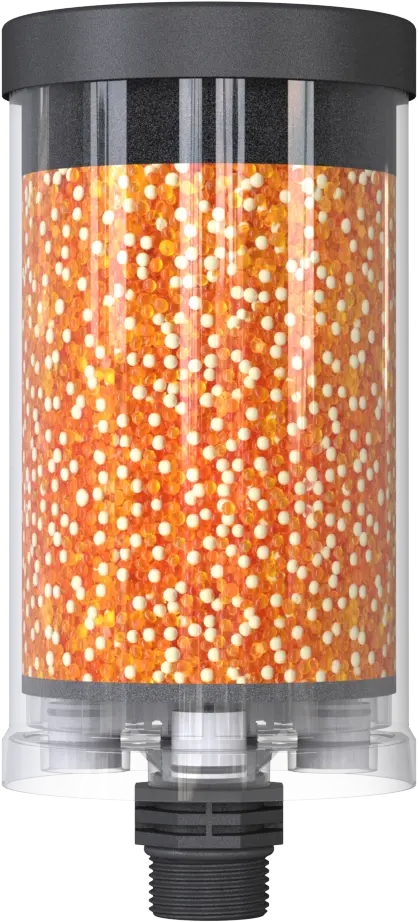
Unloaded
The adsorber is completely orange in color.
This means that it has adsorbed little or no moisture so far.
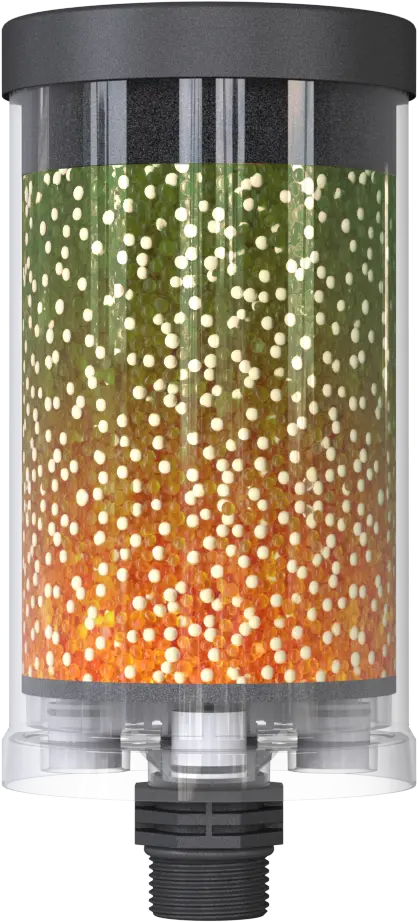
Loaded from above
The adsorber is green at the top and orange at the bottom.
This means that the adsorber has mainly dried the outgoing air. There was a high level of moisture in the system.
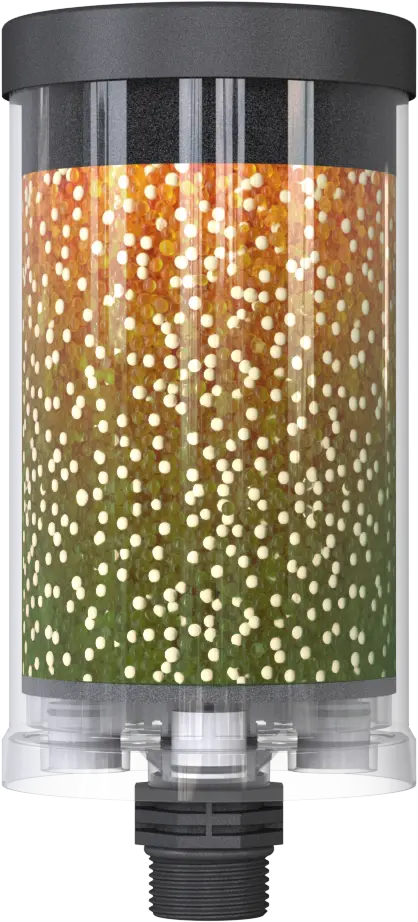
Loaded from below
The adsorber is orange at the top and green at the bottom.
This means that the adsorber has mainly dried the incoming air. The system is reliably protected.
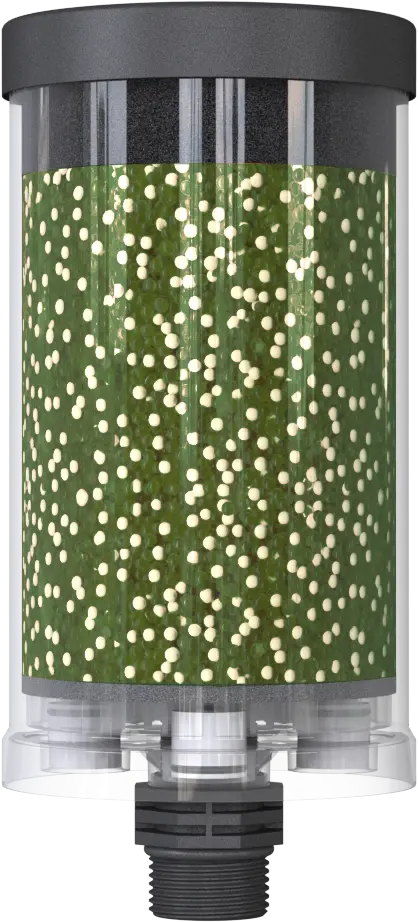
Fully loaded
The adsorber is completely green.
This means it is time to replace the adsorber or desiccant. The adsorber has reached its maximum absorption capacity!
Loading of oil mist separators.
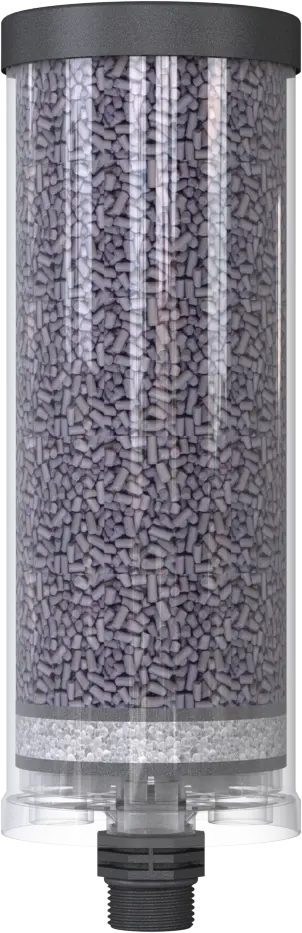
Unloaded
The silica gel layer is white in color.
This means that it has adsorbed little or no oil mist so far.
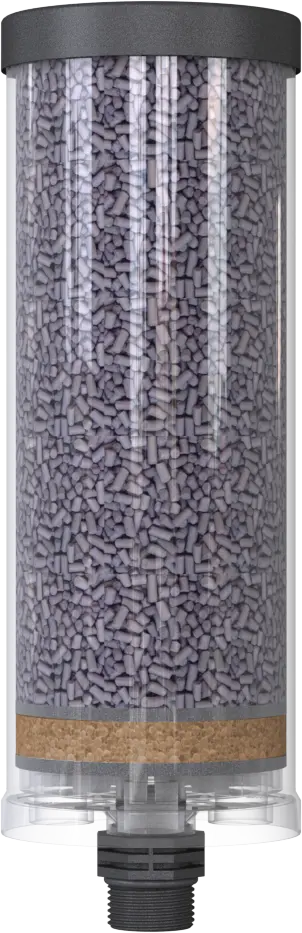
Fully loaded
The silica gel layer is brown in color.
This means it is time to replace the adsorber or activated carbon. The oil mist separator has reached its maximum absorption capacity!
Use of sensors.
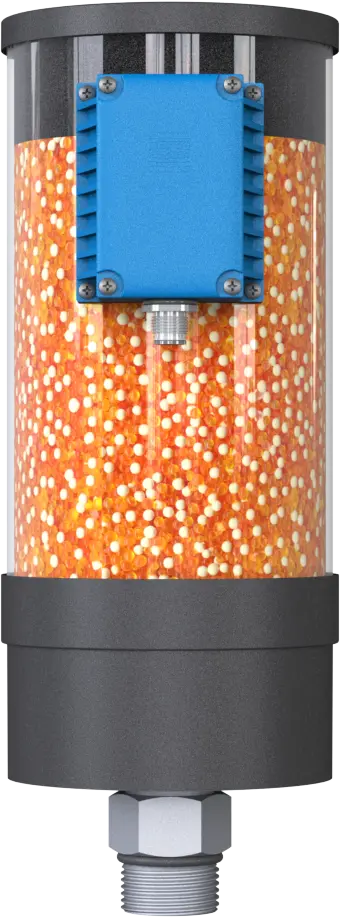
Sensors provide information about the loading status of your breather dryers either analogously or via Modbus RTU. They are used when the classic visual inspection of the desiccant turns out to be difficult—for example, when the number of adsorbers increases or when they are installed in locations that are difficult to access or rarely visited.
Our sensors transmit the load levels of 0%, 50%, 75%, and 100% so that you can easily schedule reorders and adsorber replacements.
They can be attached to both plastic and metal adsorbers.